I’ve been working with JangaFX softwares for the last 6 months and i’m pretty happy with the capabilities. The only thing that i’m struggling with is importing alembic animations into both EmberGen and LiquiGen;
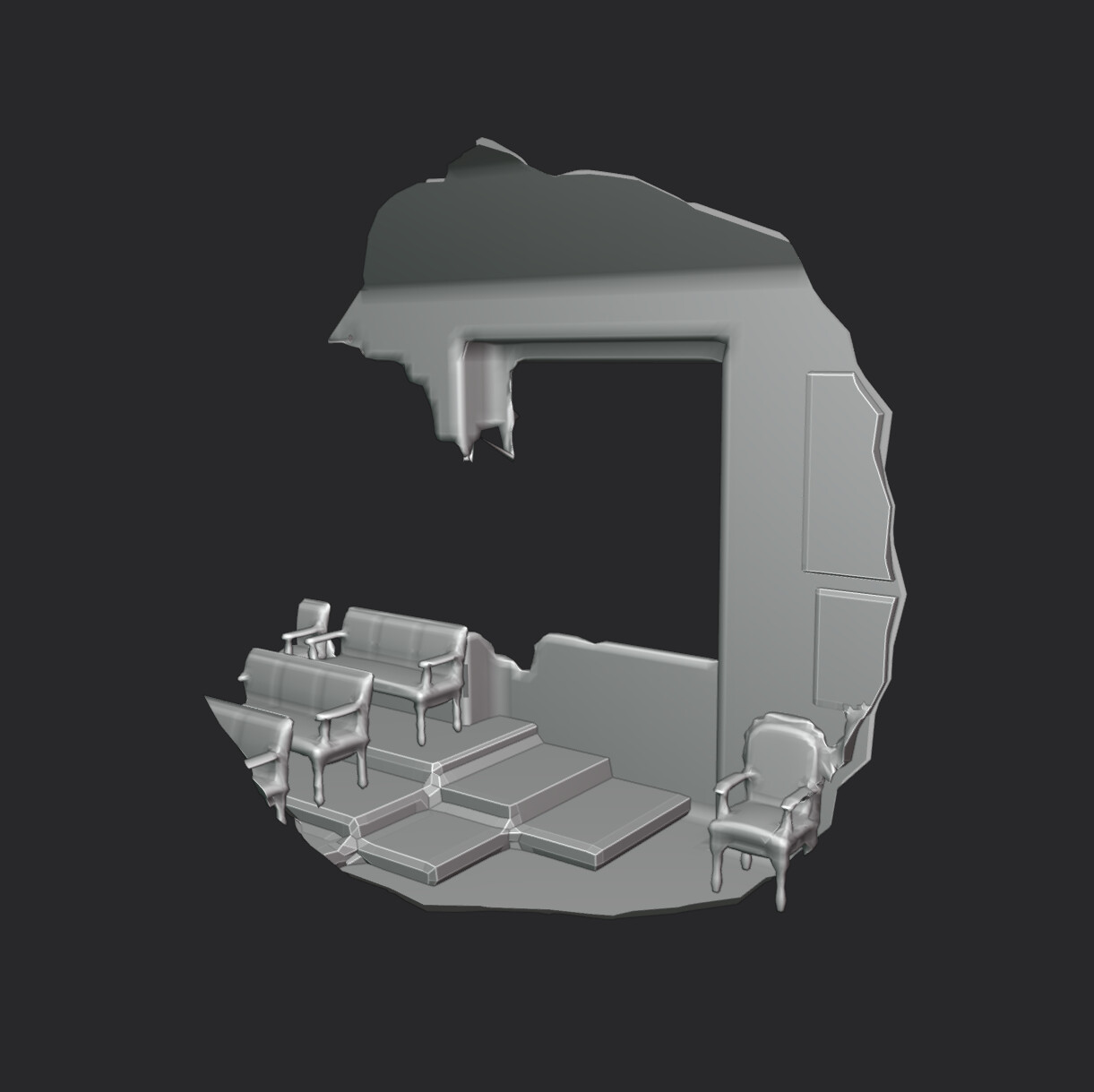
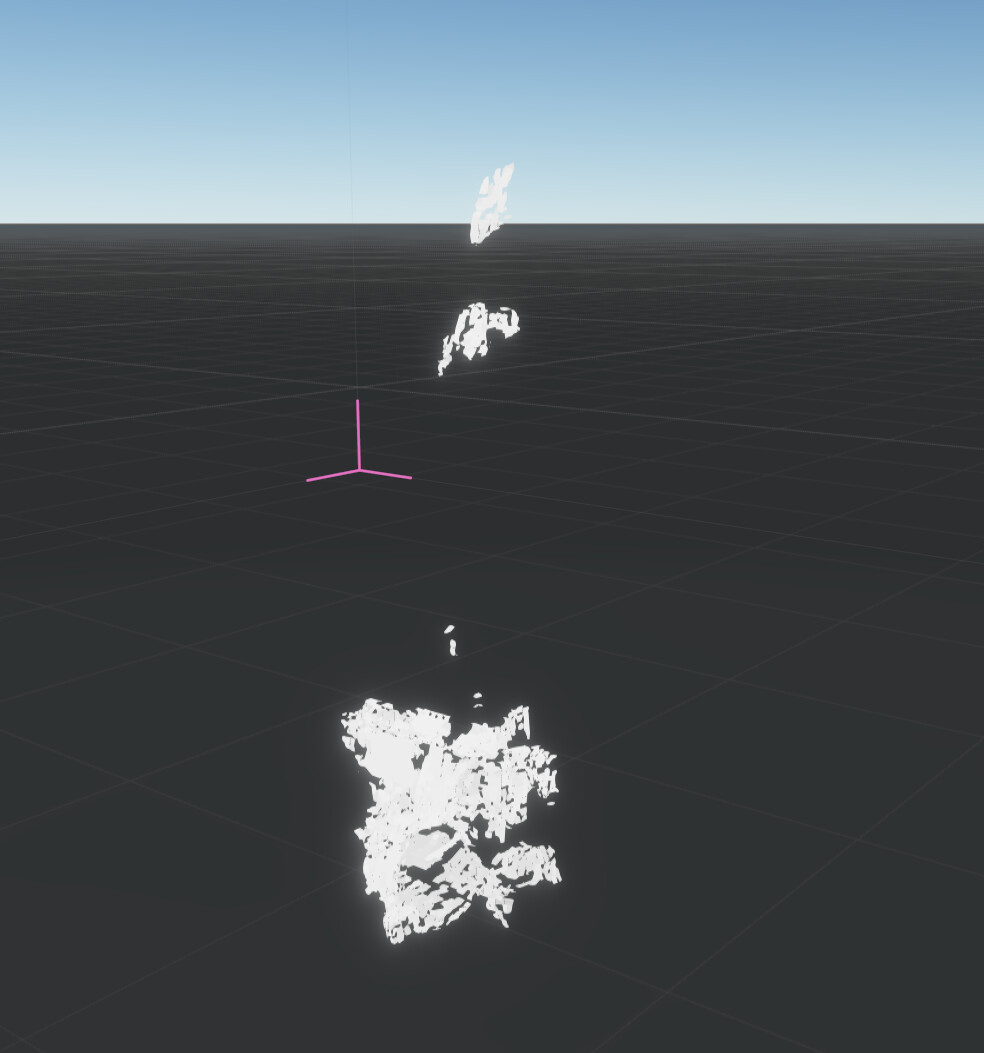
I had this problem now twice, Alembics from different softwares (Blender, Houdini, etc.) cause artifacts when I import them into both JangaFX programs, images for comparison (First one from blender, second one from embergen).
I’ve tried remeshing and decimating in blender and remesing in houdini. Both of them still cause artifacts when importing, although importing the same file in both DCCs the mesh seems completely fine and accurate.
Hope someone has an answer for this because it’s the final step of the puzzle, thanks in advance eveyone!
Hi Ryyto, so sorry for the delay in response. Can you send me the mesh you’re using? I’ll take a look and see if there’s something I can spot that would cause issues.
Okay thanks for these. The problem is likely coming from the fact that these alembics are a variable vertex count and that’s one of the current limitations of our software that we intend to address this year. For now you need to have a fixed vertex count for your animations
There are a couple different ways to go about this but it depends on what look you’re going for. Could you send a reference video of what you’re trying to achieve?
I ended up making the same effect on Houdini, although I really want to keep the realtime features of Embergen, here is the reference of the effect I wanted to make.
You could use an imported mesh connected to a Shape Blend node with the type set to Smooth Intersection, and then keyframe the size of the connected shape primitive. If you need multiple points of expansion you will just need multiple Shape Blend nodes for each point. Let me know if this helps!